The reasons, in plain English
None of this is a swipe at anyone running a CMS site today. Millions do, and plenty are perfectly happy. It is simply a description of what we saw, repeatedly, across hundreds of businesses — and why we decided our name should not be attached to it any more.
They are heavy before you add a single word
A stock CMS install loads a theme framework, a page builder, a dozen scripts and a stack of database queries on every single request. Our React builds ship a fraction of that weight, so the first paint happens almost instantly and the admin area opens as fast as the public pages.
Plugins are somebody else's code in your business
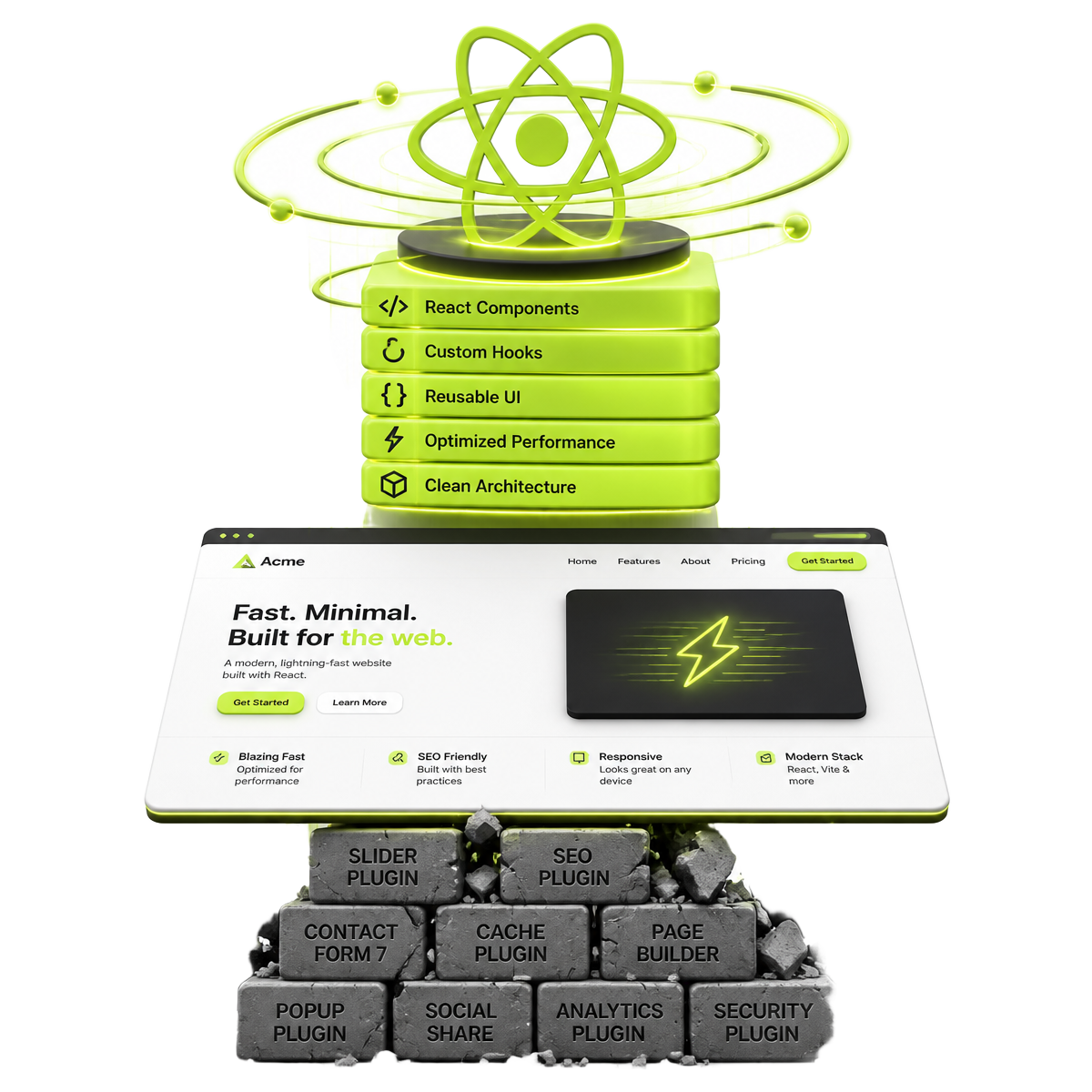
A typical WordPress site depends on 15 to 40 plugins written by unrelated developers on unrelated release schedules. One update breaks another, a maintainer disappears, and suddenly a checkout stops working on a Friday afternoon. We write the features into the build instead.
Security was the biggest bill our clients paid
Over fifteen years and hundreds of clients we removed malware, cleaned injected spam links, restored defaced pages and locked out brute-force logins more times than we can count. Almost every incident traced back to an outdated plugin or theme, not to the owner doing anything wrong.
Server usage climbs and so does hosting
Heavy CMS sites need caching layers, object caches, image optimisation services and larger hosting plans just to feel acceptable. Our builds run happily on lean modern hosting because there is far less work to do per request.
The real cost is never the build cost
The platform is free. The maintenance retainers, licence renewals, emergency fixes, migration work and premium plugin subscriptions are not. We watched clients spend more on keeping a site upright in one year than the site had cost to build.
They take longer to build properly
Bending a theme into an exact design, then patching a page builder to behave on mobile, eats days. Writing the interface directly is quicker, cleaner and produces something we can hand over without apology.
Debugging is guesswork
When a page misbehaves on a plugin-stacked CMS, the first hour is spent deactivating things to find the culprit. On a codebase we authored, the cause is visible in the code within minutes.
We used to run on it ourselves
This is not theory. Our own sites were WordPress for years, and our team built and maintained client sites across WordPress, Drupal, Joomla and similar platforms. We changed because we lived with the consequences, not because it was fashionable.